My cart
You currently do not have any products in your cart.


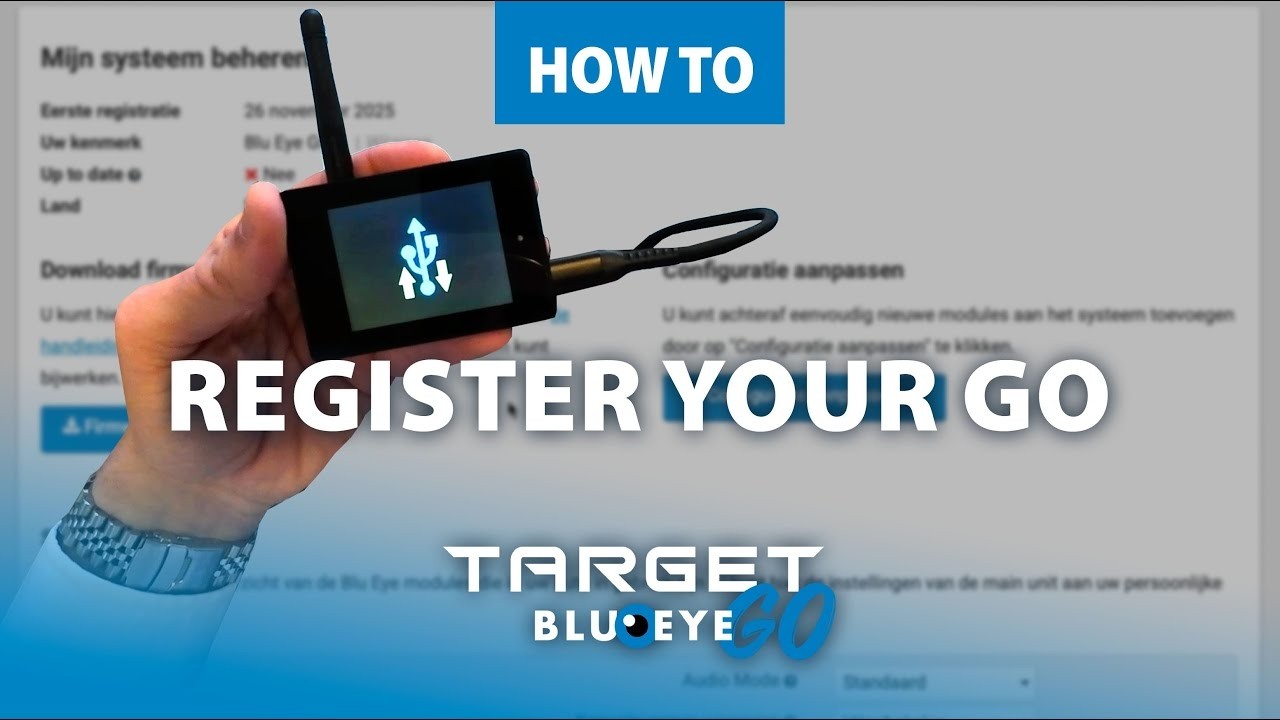
Good news for all new Blu Eye GO users: we’ve created a complete, step-by-step instruction video that shows you exactly how to register and install your GO.
We’ve noticed that many users prefer not only reading the installation instructions, but also seeing the process in action — from creating an account to the very first startup. That’s why we’ve captured everything clearly on video, so you’ll know exactly what to do and can start using your device as quickly as possible.
In the video, we walk you through:
how to register and activate your GO.
This way, you can be sure your GO is fully ready to alert you whenever emergency services are nearby.
You can watch the instruction video below, or on YouTube.
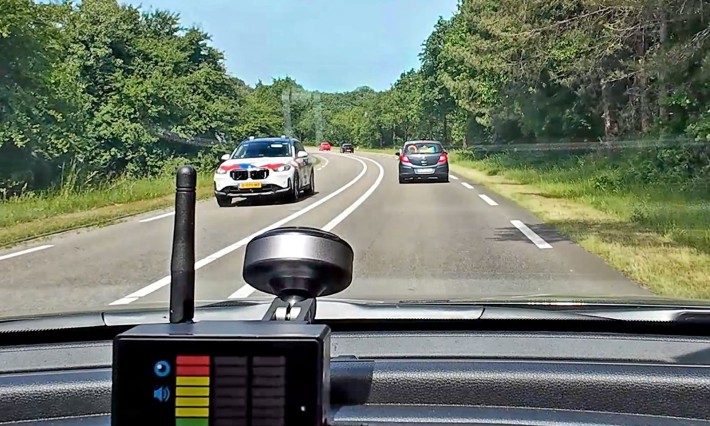
The photo clearly shows what happens in practice. In this case, a police vehicle is approaching while Blu Eye is already indicating activity. Blu Eye does not identify whether the signal is coming from a police car, ambulance, fire service or another emergency service, nor does it tell you exactly where it is coming from. It detects active TETRA/Airwave radio communication in the surrounding area.
Read on

We’re thrilled to announce that the final production version of the Blu Eye GO is complete, and it looks even better than the prototype we showed you during development.
Read on
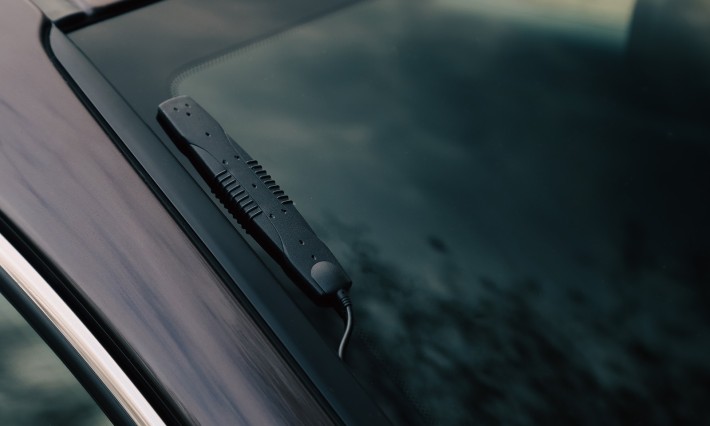
Developed to further extend the detection range and optimise performance in vehicles with heated windscreens or reflective window film, this new accessory ensures the Blu Eye GO performs at its very best, in every situation.
Read on